Scale
Description
Scale multiplies either the time values or the measured values of every selected curve by a constant.
When this feature is available
Scale becomes available when the selected curves and settings meet the requirements.
For the selection to pass:
- At least one curve must be selected.
- The scale factor must be numeric and nonzero.
- An axis must be selected.
WebSAT enables Scale when at least one curve is selected and both the scale factor and axis are valid.
Settings
| Setting | Default | Options |
|---|---|---|
| Scale Factor | 1 | Any nonzero numeric factor |
| Axis to Scale | Y Axis | X Axis (time) or Y Axis (signal) |
How WebSAT processes the data
- Load each selected curve and read the selected axis and scale factor.
- Multiply every value on the selected axis by the scale factor.
- Preserve the values on the unselected axis.
- Reverse signal polarity or time direction when the factor is negative.
- Create and display the scaled curve while preserving the original.
Results
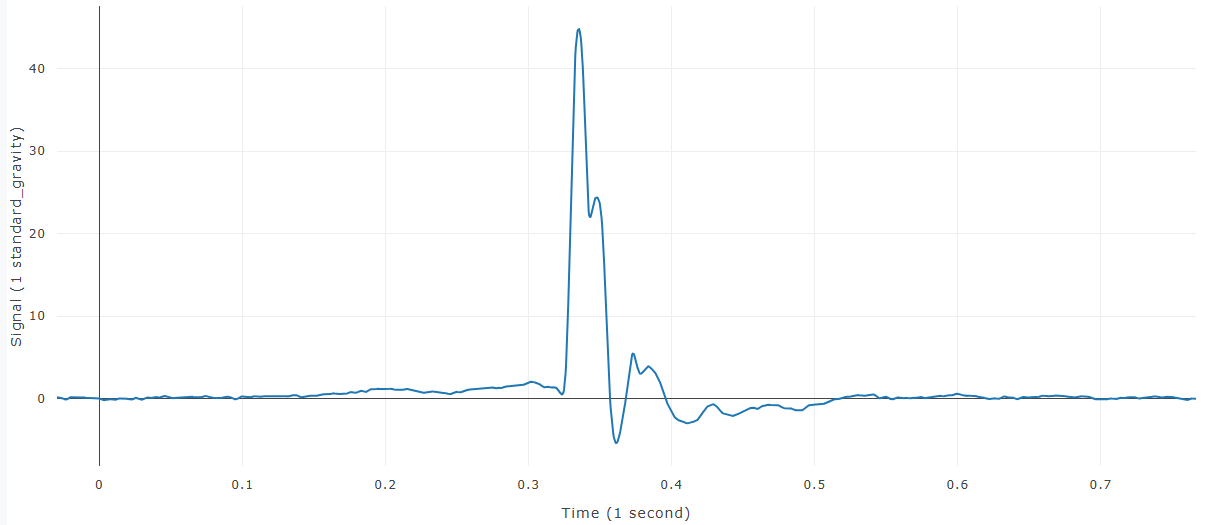
Each input produces a new selected curve with its label and plot reflecting the scaled data.
References
No injury criterion or external reference value is applied.