Resample
Description
Resample creates evenly spaced samples from one or more selected curves. Use it to establish a requested time step or number of points before comparing or combining curves.
When this feature is available
Resample becomes available when the selected curves and settings meet the requirements.
For the selection to pass:
- At least one curve must be selected.
- A resampling method must be selected.
- The requested resampling value must be numeric and nonzero.
WebSAT enables Resample when at least one curve is selected, a method is selected, and the value is numeric and nonzero. The calculation requires a positive time step or a positive whole-number point count.
Settings
| Setting | Options |
|---|---|
| Resampling Method | Specify Time Step (s) or Specify Number of Points |
| Value for Resampling Method | Positive time step or number of points for the selected method |
How WebSAT processes the data
- Load each selected curve and identify its time range.
- Select the time-step or point-count resampling path.
- For a time-step request, build an evenly spaced time array using the entered interval.
- For a point-count request, distribute the requested number of samples evenly across the original time range.
- Linearly interpolate the original signal values at the new times.
- Create and display the resampled curve while preserving the original.
Results
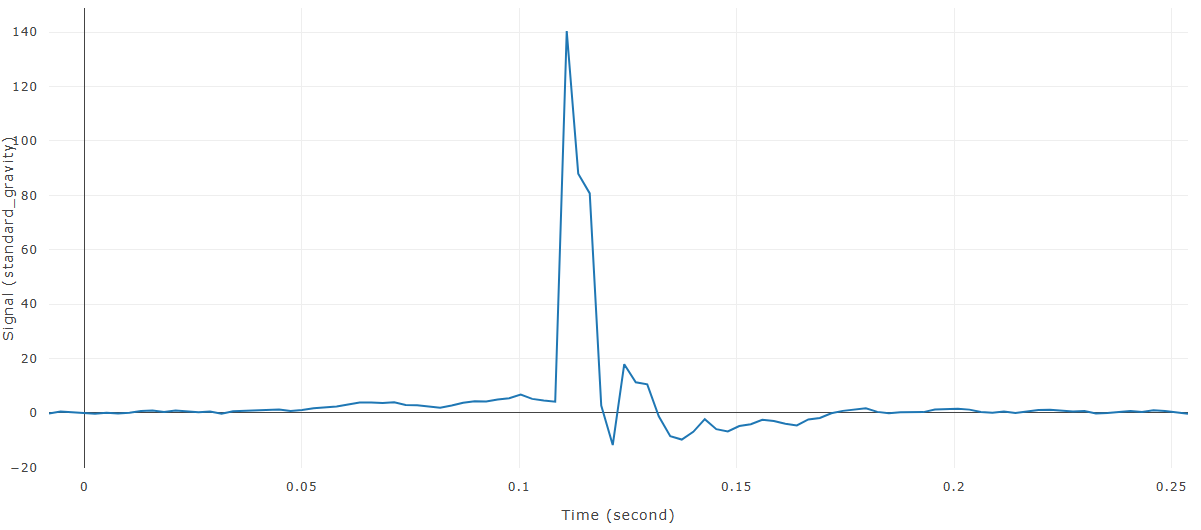
Each selected input produces a new resampled curve. Review its time column or plot markers to confirm the requested spacing.
References
No injury criterion or external reference value is applied. Resampling is a general numerical operation.