Integrate
Description
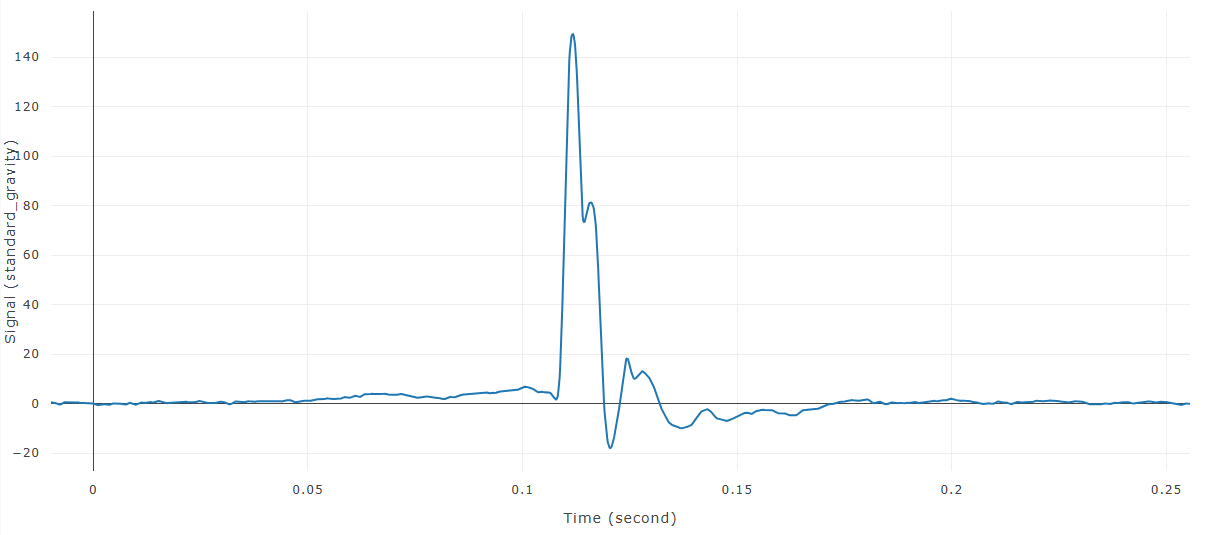
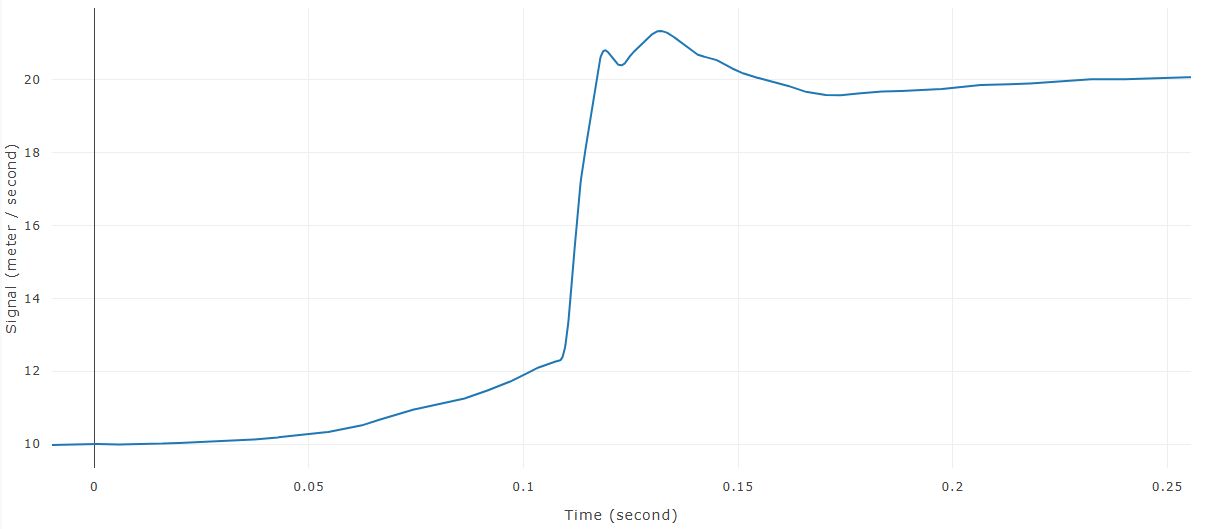
Integrate calculates the cumulative area under each selected time-history curve. Common uses include converting acceleration to velocity or velocity to displacement when the units and sign convention are appropriate.
When this feature is available
Integrate becomes available when the selected curves and settings meet the requirements.
For the selection to pass:
- At least one curve must be selected.
- The initial value must be numeric.
WebSAT enables Integrate when at least one curve is selected and a valid initial value is provided.
Settings
| Setting | Default | Effect |
|---|---|---|
| Initial Value | 0 | Value of the integrated curve at time zero, in the output signal's units |
How WebSAT processes the data
- Load each selected curve and convert its time axis to a consistent unit.
- Determine the interval between consecutive samples.
- Apply trapezoidal integration over each interval.
- Accumulate the interval contributions across the curve.
- Offset the integrated curve so its value at time zero equals the requested initial value.
- Assign the corresponding integrated signal units.
- Create and display the integrated curve while preserving the original.
Results
Each selected input produces a new cumulative curve.
References
No injury criterion or external reference value is applied. The operation uses the trapezoidal rule.